| |
Neutral
|
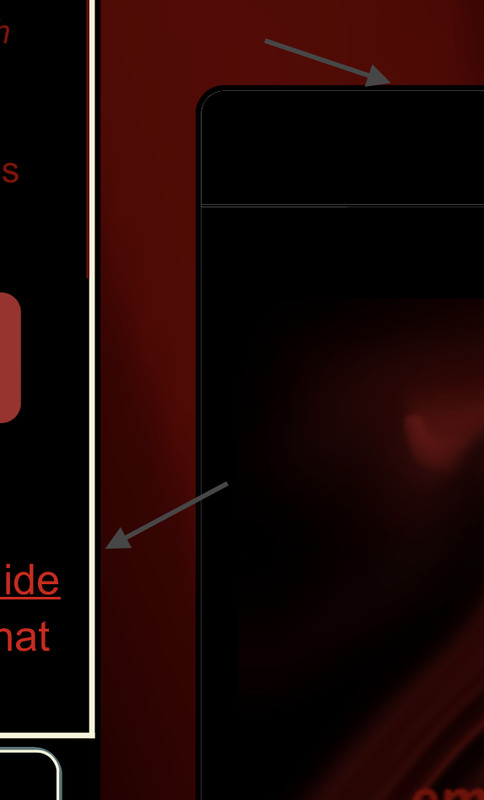
I dont know if this has been asked but thare are 33 pages and well heh I don't plan to go threw 33 pages today. The menu bar, when it drops down I know you can change the color of it. But I have seen whare some have an image how do I do that? |
|
|
| |
Darkseeker
|
|
| |
Darkseeker
|
have been struggling with this a hot second. does anyone know what the code is for this table on the battle page in explore? Is it possible to change it from the default white? |
|
|
| |

Darkseeker
|
Eno, These are the codes I've found so far to help with the battle page. They seem to work for me if used together, but I haven't figured out how to make the tables to where they're not transparent yet. Hope that helps! :) .wolfhealth tbody {
background-color: rgba(0, 0, 0, 1);
} .wolfhealth table {
border-spacing: 0px;
} .enemyhealth tbody {
background-color: rgba(0, 0, 0, 1);
color: #1ee029;
} .enemyhealth table {
border-spacing: 0px;
} |
|
|
| |
Darkseeker
|
Fair Phantom said:
Eno, These are the codes I've found so far to help with the battle page. They seem to work for me if used together, but I haven't figured out how to make the tables to where they're not transparent yet. Hope that helps! :) .wolfhealth tbody {
background-color: rgba(0, 0, 0, 1);
} .wolfhealth table {
border-spacing: 0px;
} .enemyhealth tbody {
background-color: rgba(0, 0, 0, 1);
color: #1ee029;
} .enemyhealth table {
border-spacing: 0px;
} Ah thank you! it worked <3 |
|
|
| |
Darkseeker
|
|
| |
Darkseeker
|
Sorry if this has been asked already, I checked through all the pages and can't seem to find an answer, how do I change the buttons right below the chatbox and at the bottom of my den page? I've been able to change other buttons but not those. |
|
|
| |
Game Moderator
Lightbringer
|
I forgot about this, went on hiatus, came back and noticed that nobody ever replied to me so I figured I'd quote my post as a "reminder". Anyways, I still need help. Apparently I figured out the code for quite a few of my palettes, but cannot for the life of me now figure out what I did. I'd love it if somebody could kindly remind me please. Thank you in advance. Grim Reaper said:
I went through the entire Custom Palette CSS styles topic, and found nothing on this. Please forgive me if it was already asked. How do I change these borders? |
|  |
|
| |
Neutral
|
sorry if this was already asked, but what's the code for putting an image in the background of the navigation dropdown? like this - |
|
|
| |
Neutral
|
Does anyone know how to code the text from being well, just black? I can't see it >.> 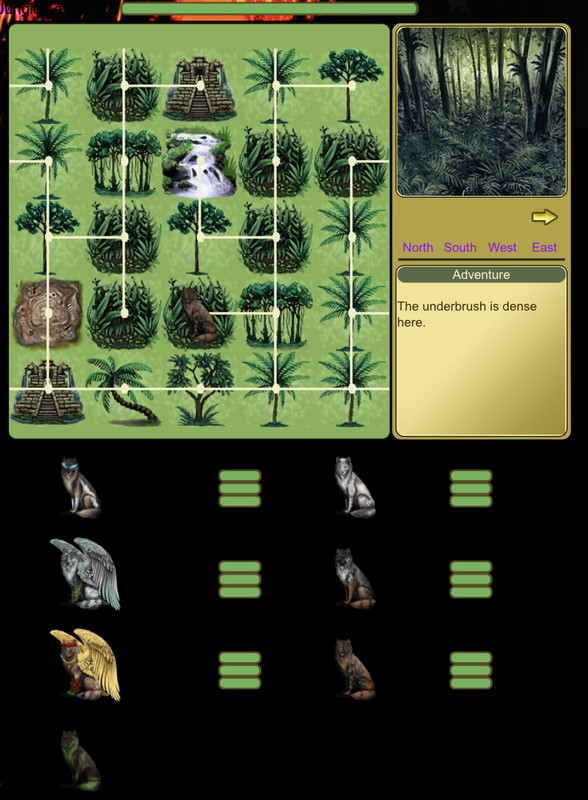 |
|
|

 Winter Month: 1
  Night
Night  Blizzard Moon: